Flow efficiency: why your team is working but not shipping
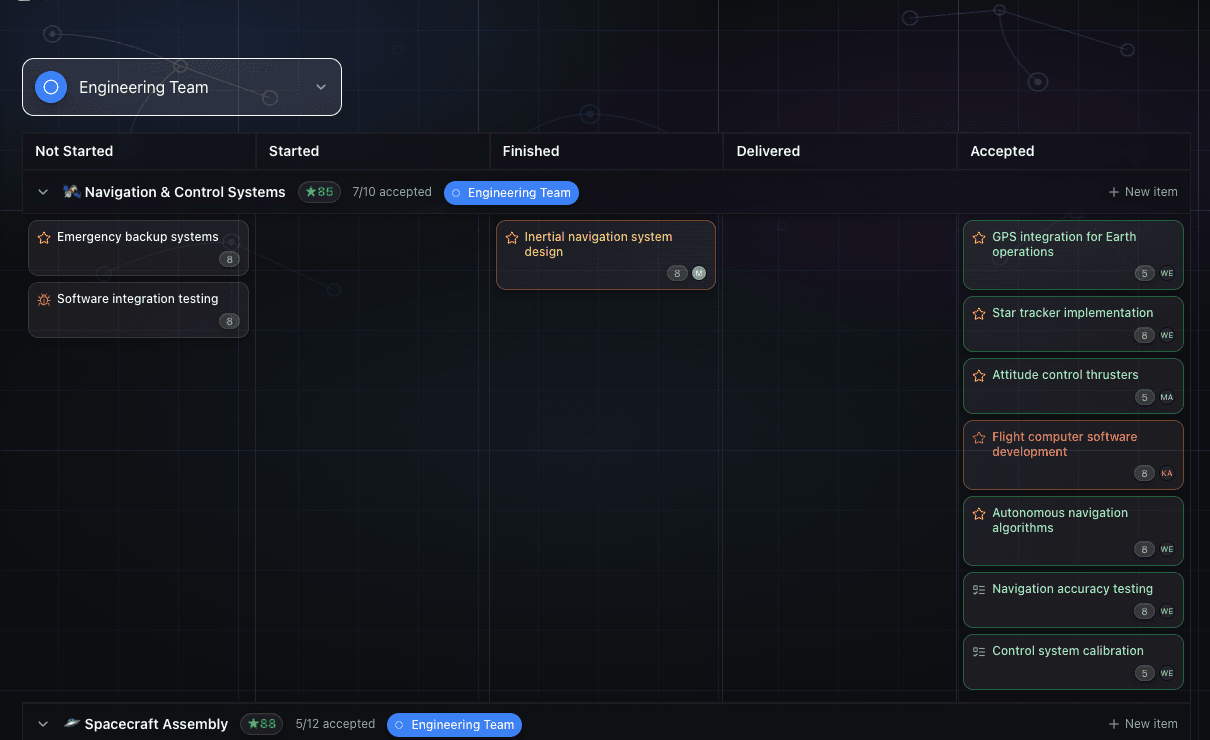
Your team finishes the sprint. People look tired. The board is full of started items. When you ask what shipped, you get a list of things that are "almost done."
Almost done is not shipped.
If this sounds familiar, it's probably not a people problem. It's a flow problem. And the fix is not working harder or adding more people. It is finding where work stops moving.
What flow efficiency actually measures
Flow efficiency is a simple ratio: how much of an item's total lead time was spent with someone actively working on it, versus sitting in a queue waiting.
If a feature takes ten days from when it's created to when it ships, but people only worked on it for two of those days, your flow efficiency is 20%. The other eight days it was waiting. Waiting for a code review that didn't come. Waiting for a decision that never got made. Waiting for a dependency to unblock. Just sitting there.
Most software teams land between 15 and 25% flow efficiency. That's the industry benchmark, and it means 75-85% of the total time your work spends in your system, it's not moving. It's just waiting.
This is not a new observation. It comes from lean manufacturing, where teams measured how much of a part's total factory time was actually being processed versus sitting in a pile. The finding in manufacturing was the same: most of the time is wait time. Software is identical.
Why utilisation makes it worse
The instinctive response to slow delivery is to push people harder. Make sure everyone is busy. No idle engineers. Full calendars.
This makes flow efficiency worse.
When people are fully utilised, queues form. Think about a busy toll booth. The toll booth is at 100% utilisation. Every car is waiting in line. The queue grows because there's no slack to absorb variation. The moment you add one more car than the booth can handle, wait time spikes.
Software teams work the same way. When engineers are fully loaded, code reviews wait. Pull requests pile up. Decisions wait because the right person is context-switching between five things. Every queue you add to a fully-loaded system increases lead time.
Queuing theory has a name for this: the last 20% of utilisation causes a disproportionate increase in wait time. A team at 80% utilisation moves noticeably faster than a team at 95%, not because of 15% more capacity, but because at 80% there's enough slack that things don't pile up.
Measuring utilisation, making sure everyone looks busy, is exactly the wrong metric to optimise for.
How to tell if waiting time is your problem
You need to look at a few specific things.
First, look at lead time versus cycle time. Lead time is the total elapsed time from creation to delivery. Cycle time is the time from when someone started working on it to when it shipped. If your median lead time is 12 days but median cycle time is 3 days, 9 days of every item's journey is waiting. That's a 25% flow efficiency, which is average, but it tells you clearly that reducing wait time by half would cut your lead time by more than waiting-time reduction alone.
Second, look at which items are aging. Not all wait time is the same. Some items wait two days in a review queue. Some items sit started for three weeks. The ones sitting for three weeks are your flow blockers. Those are the ones where something is structurally wrong: no owner, unclear requirements, a dependency that nobody is chasing, a decision that hasn't been made.
Third, count how many items are in flight at once. If your four-person team has 18 items started, flow efficiency is going to be terrible. Not because people aren't working, but because the context-switching cost alone means nothing gets continuous attention. Work moves in bursts, waits in between, and lead times balloon.
The "alignment sync" is a symptom
Most teams respond to slow delivery by adding meetings. A weekly sync to check on blockers. A bi-weekly planning meeting to reprioritise. A quick alignment call to make sure everyone knows what's important.
These meetings are a symptom of invisible work. When you can't see where work is stuck, you schedule a meeting to find out. The meeting itself adds to wait time, because work is waiting for the outcome of the meeting before it can move.
The weekly status email is the same problem. You spend Friday compiling a report of what's stuck and what's moving, because without a system that surfaces this automatically, people don't know. And by Monday, the report is already out of date.
The replaced ritual is the meeting-to-find-out-where-things-are-stuck. Not the standup, not architecture decisions. The specific meeting where someone asks "what's blocking us?" and nobody has a good answer until everyone has spoken.
What GoalPath shows you
GoalPath calculates flow efficiency automatically from how your items move through the workflow. When you look at the Velocity Analytics page, you see four metrics side by side: Flow Time, Flow Efficiency, Flow Distribution, and Flow Load.
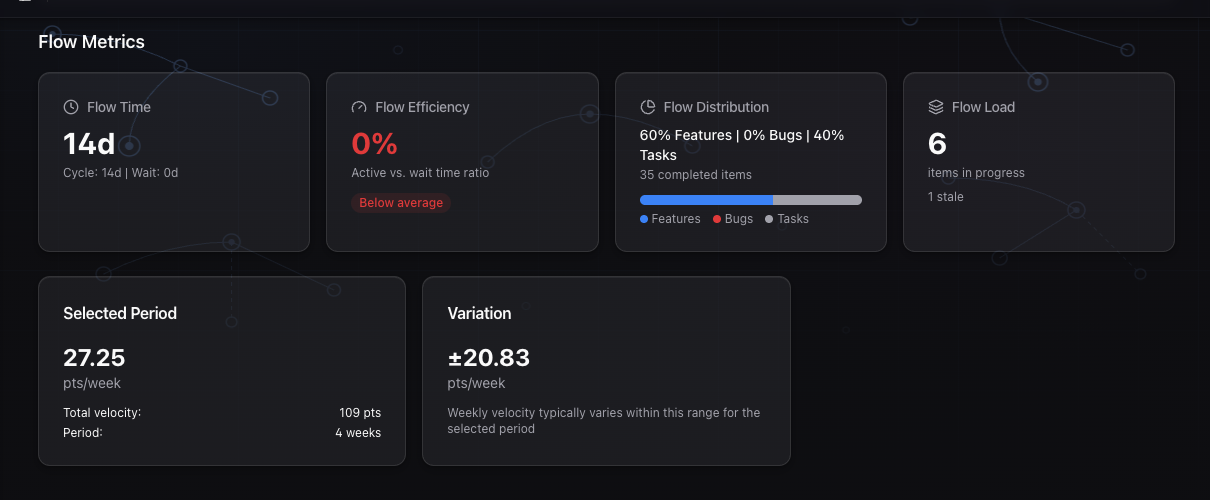
The Flow Efficiency card shows your efficiency percentage with a benchmark label. Below average (under 15%), Average (15-25%), Above average (25-40%), or Excellent (above 40%). You know immediately whether your waiting time is typical or a real problem to fix.
But the number alone doesn't tell you where to look. The Flow Load section does that.
GoalPath buckets every in-progress item by how long it's been started: fresh (3 days or under), normal (4-7 days), aging (8-14 days), stale (15-30 days), and stuck (over 30 days). The Flow Load card shows your total WIP count, how many items are stale or stuck, and a summary badge.
If you have seven items in the "stuck" bucket, those are not delivery problems. They're decision problems, dependency problems, or ownership problems. Each one is adding wait time to your lead time without any active work happening.
GoalPath records when items are created, when they're started, and when they're completed. That's all the data it needs to calculate flow efficiency and aging automatically. You don't report into it. You just work, and the insight comes from the workflow data.
Where work actually gets stuck
Once you can see aging items by milestone, a pattern usually emerges. Work tends to stack up in one or two specific places:
Review queues. Items waiting for someone to review or approve them. This shows up as a cluster of aging items with no clear next owner. The fix is usually to make ownership explicit: someone specific is responsible for moving this item, not "whoever has time."
Decision dependencies. Items that are started but can't proceed until a decision is made elsewhere. These are easy to miss because they look like normal WIP. The fix is to make blocked items visible. Set the Blocked highlight in GoalPath so the team knows this isn't just slow, it's waiting on something external.
Milestone overload. One milestone has twelve items in progress because it's where everything important lives. Flow efficiency for that milestone will be terrible. The fix is WIP limits: not twelve things in flight, but three, with the rest explicitly queued.
Unclear requirements. Items that are "started" but the developer is waiting for clarity. Often nobody has marked them blocked because it feels like their fault for not knowing the answer. These show up as stale items where the last activity was weeks ago.
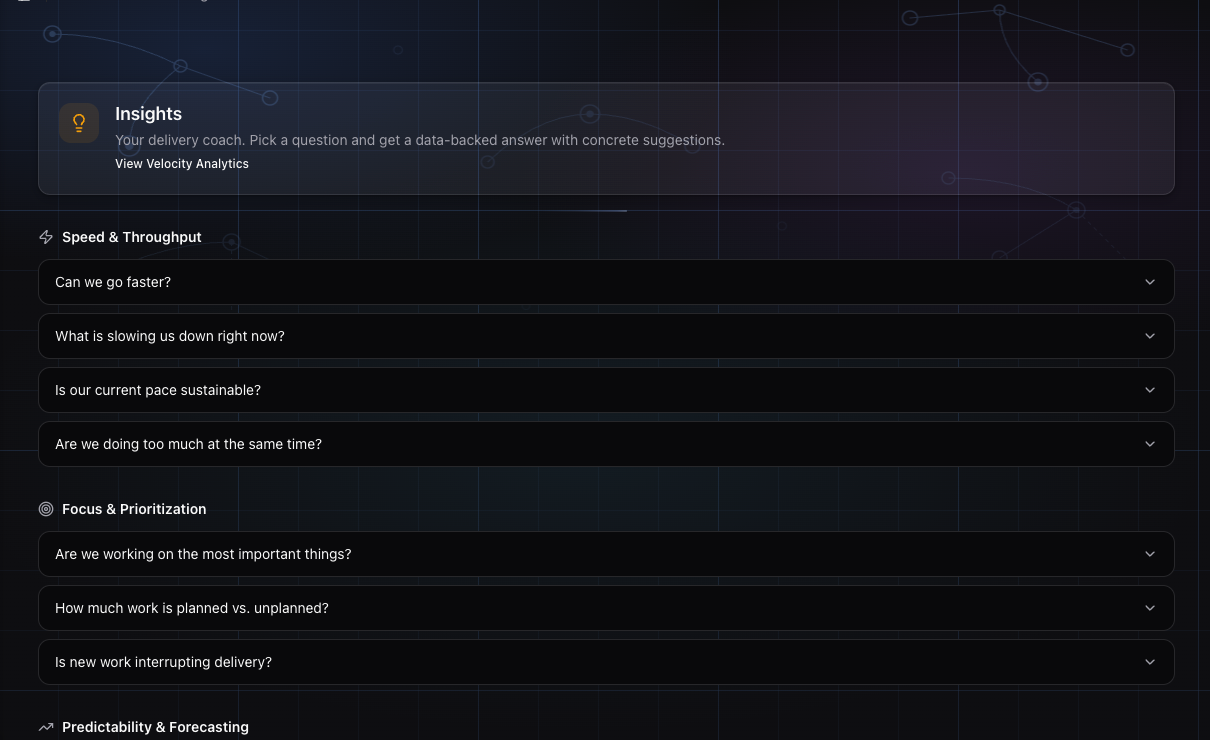
The GoalPath Insights engine can diagnose this for you. Ask it "Where is work getting stuck?" and it will look at your flow metrics, your current WIP, your aging distribution, and your velocity data, and give you a specific answer grounded in your project's actual data, not generic advice, but a diagnosis tied to what's actually happening in your workflow.
What to do about it
The specific fix depends on where the bottleneck is, but the pattern is the same in most teams.
Start by finding your stuck items. In GoalPath, sort your in-progress items by age. Look at anything that's been started for more than two weeks without moving. For each one, ask: what needs to happen for this to move? If there's an answer, make it explicit. Assign an owner. Set a Blocked highlight if it's waiting on something external. If there's no good answer for why it's started, consider moving it back to not-started. The started status should mean "actively being worked on", not "we plan to work on this eventually."
Then look at WIP. If your flow load card shows 18 items in progress for a four-person team, you need to finish before you start. That's the core discipline. Not as a rule for its own sake, but because each additional started item adds queue time to everything else.
Finally, check the milestone distribution. If one milestone is carrying most of the in-progress items, look at whether those items are genuinely active or just parked there. Milestones become catch-all buckets when there's no forcing function to finish things before adding new ones.
Improving flow efficiency is mostly about removing friction
You don't improve flow efficiency by working faster. You improve it by removing the things that make work wait.
Code reviews that sit for three days are not a reviewer productivity problem. They're a queue problem. The reviewer is fully loaded. Adding a norm of "reviews within 24 hours" without changing anything else just adds stress without changing the queue dynamics.
What changes the queue is smaller WIP. When people have fewer things in flight, they have more capacity to respond when something needs attention. The review queue gets reviewed faster not because reviewers are working harder, but because they have the bandwidth to see it.
Most teams that improve their flow efficiency do it by finding the two or three specific places where work consistently piles up, and doing something structural about each one. Not a process improvement initiative. Just: this keeps getting stuck here, what can we change to stop that?
GoalPath tells you where those places are. The rest is a conversation about what to do about them.
Further reading
- Flow Efficiency: A great metric you probably aren't using: Kanban University's explanation of the metric and why most teams ignore it
- Our survey says: uncovering the real numbers behind flow efficiency: ASOS Tech Blog survey of 63 teams and their actual flow efficiency numbers
- Flow & Queueing Theory: LeSS framework explanation of why high utilisation creates queues
Ready to plan your roadmap with data?
Create an account on GoalPath and start tracking velocity, forecasting milestones, and delivering predictably.
Create an Account