What's New in August
New
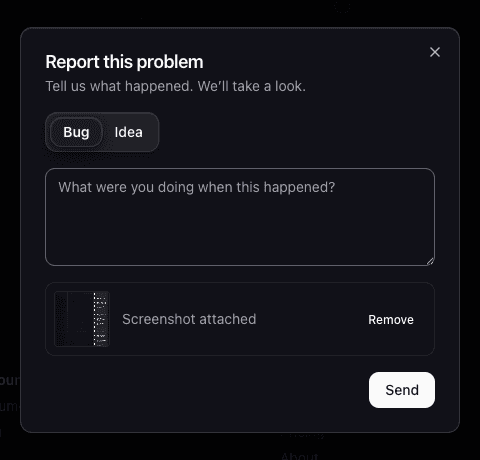
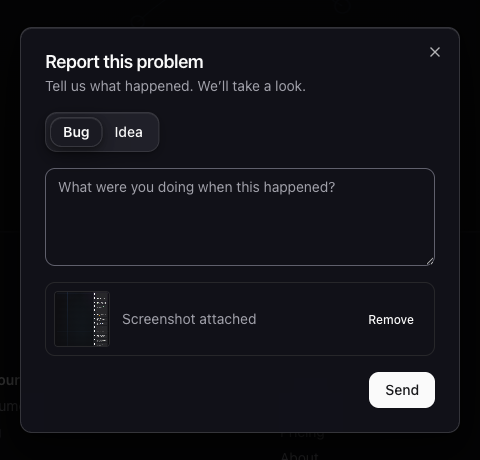
Report a bug or idea without leaving the page. A "Report a bug or idea" button now lives in the footer of every page. Add a note, and attach a screenshot of the page with one click if it helps explain what happened. No more describing a broken layout in words alone.
Promote a subtask to its own item, or an item to its own milestone. When something you scoped as small turns out to need its own tracking and forecast, promote it up a level. Look for this icon in the item card's action row, between share and edit, and click it: . No recreating it from scratch, no losing its history.

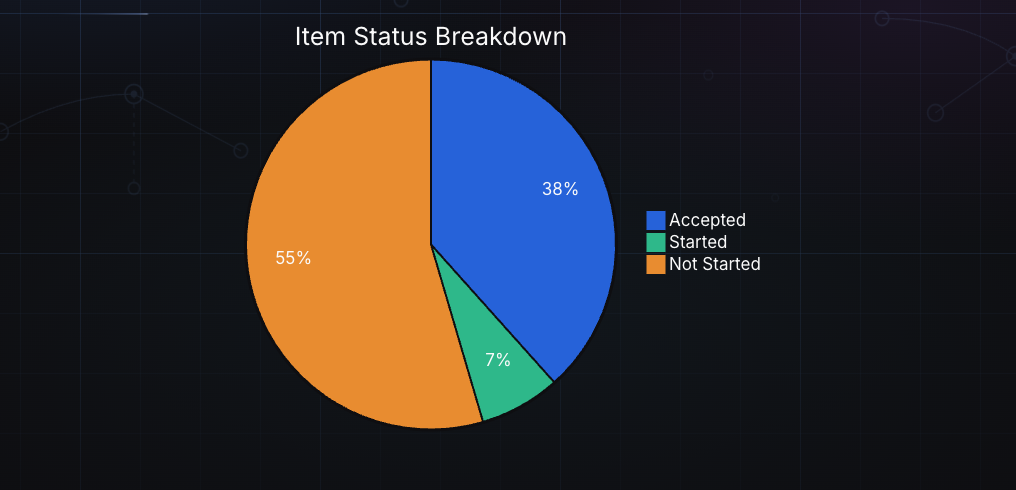
Mermaid charts render in docs and blog posts. Pie, bar, and line charts written in standard Mermaid syntax now render inline, next to the flowcharts and sequence diagrams that already worked.
AI agents connected over MCP can now see an item's history, not just its current state. A new list_item_activity tool returns who did what and when: status changes, assignments, moves, the decision text behind a resolved highlight, and any commits or pull requests linked to the item if your repository is connected. Before this, an agent picking up an item had no way to know a decision had already been made days earlier.
Improved
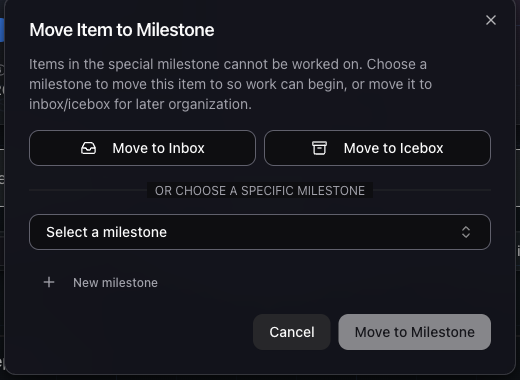
The milestone picker remembers your last choice and lets you create one inline. Moving an item to a milestone no longer means abandoning the form to go create one first. Pick "New milestone" right there, or let the picker default to whichever one you used last.
Probability-line tooltips now show confidence percentiles, not just a date. Hovering a forecast marker tells you how likely that date is, not only what it is.
Planning a milestone is now limited to Owners and Project Leaders. Collaborators still add items, comment, and move work forward, but setting a milestone's plan and locking its scope is a leadership action.
Fixed
- Item cards collapse automatically the moment you start dragging one.
- Search resolves
#GP-47shortcuts directly, instead of requiring a full-text match. - Watchers get an email the moment an item is marked Delivered, not only once it's Accepted.
- Standup shows a "Finish Milestone" button the moment there's nothing left to work on, instead of an empty screen.
- The watching page tells requesters apart by avatar, and adds a "Created by me" filter.
- Accepted items on the watching page collapse behind a toggle instead of staying in the main list.
- The CLI's MCP setup now supports Codex, not just Claude.
- Reinvited members no longer stay stuck disabled after accepting, and the last remaining Owner on a project can no longer be disabled or removed by mistake.
- The watching page's item list updates the moment you change an item from that page, instead of waiting for a refresh.
- Finishing a milestone's last item now shows the right "all done" view immediately, not after a reload.
- Trial projects can change seat count again, and the team filter dropdown no longer renders underneath the list.
- The onboarding wizard can be skipped.
- Browser extension links go straight to each store's listing instead of a generic page.
- A rare client-side crash from a malformed realtime update is gone, and the bug report dialog no longer looks frozen while it's capturing a screenshot.
- A crash or auth error now shows a proper page with a way to report it, instead of a blank screen.
- Clicking a milestone in the voting list now opens its detail drawer, instead of doing nothing.
- Sending an invite now validates the email and shows it as pending right away, instead of only after a refresh.
- Inbox and Icebox milestone cards are now equal height.
- Blocked/Question/Discussion item cards and Deadline items were nearly unreadable in dark mode. Both now use colors that meet contrast requirements.
- Inviting someone who's already an active member no longer creates an invite that can never be resolved. We also cleaned up an existing stuck invite this caused.
- The MCP server's OAuth discovery documents could come back with a stray newline in every URL, which broke stricter OAuth clients even though logins from GoalPath's own apps kept working.
For the full list, check the activity feed on any project you're a member of.
Ready to plan your roadmap with data?
Create an account on GoalPath and start tracking velocity, forecasting milestones, and delivering predictably.
Create an Account