Report bugs from the page
where you found them
One click to capture what's wrong — screenshot, page URL, browser info, console errors — all packaged into a GoalPath item. No tab-switching, no copy-pasting, no lost context.
Free to use · Works with any GoalPath plan · Installs in seconds
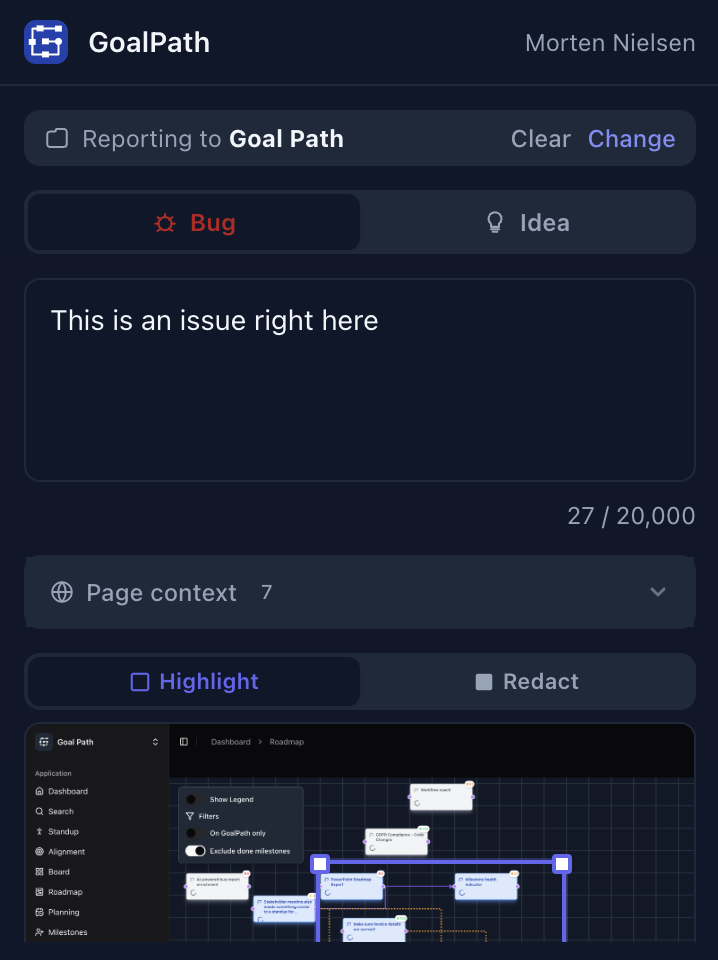
Report a bug with full context
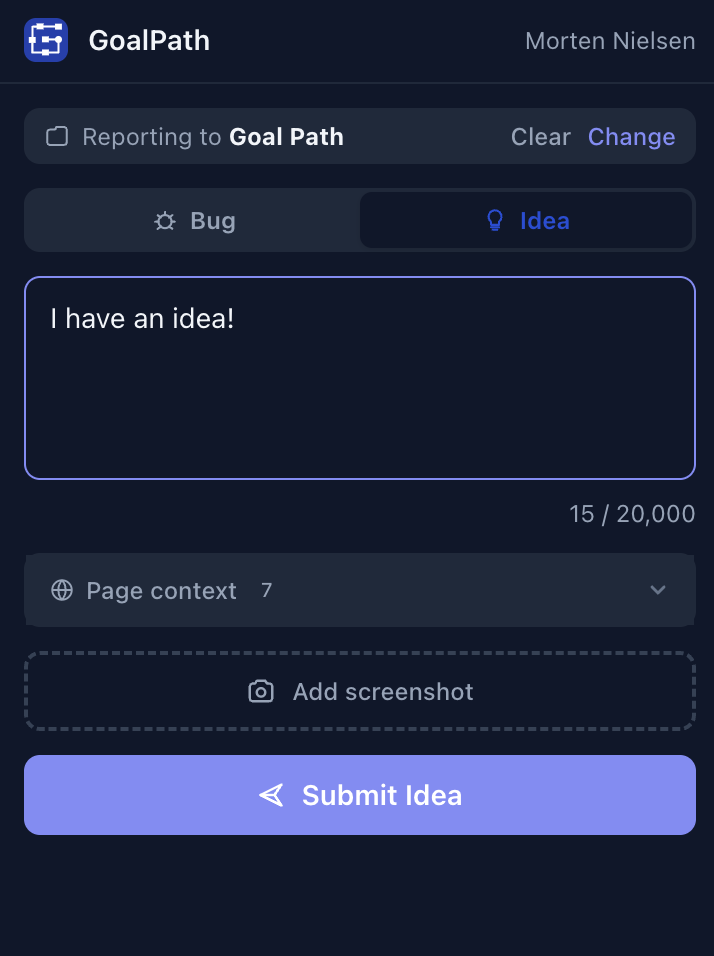
Share ideas from any page
Everything developers need, captured automatically
When someone reports a bug by typing “the button doesn't work” in Slack, a developer spends 20 minutes asking follow-up questions. The extension captures all of that context before the reporter even writes a word.
Auto-captures context
Page URL, browser version, viewport dimensions, console errors, and failed network requests — captured automatically before you write a word.
Screenshot & annotate
Capture, highlight the problem area, redact sensitive data. Visual context that actually helps developers fix things.
Tracks everything
Every report becomes a GoalPath item with full conversation history. No more “what happened with that bug?” searches through Slack.
How it works
The entire flow takes about 15 seconds.
Click the extension icon
One click opens the reporter panel right over the page.
Capture & highlight
Take a screenshot and draw a rectangle around the problem area.
Describe what happened
Add a short description — browser context is already filled in.
Submit
It lands in your GoalPath project inbox, ready for triage.
Works on any page you can visit
If you can see it in your browser, you can report on it.
Production sites
Catch issues your users are experiencing.
Staging environments
QA without switching between tools.
Local development
Report bugs to yourself during feature work.
Any website
Capture UI ideas and competitive research.