Your task list, right where you code
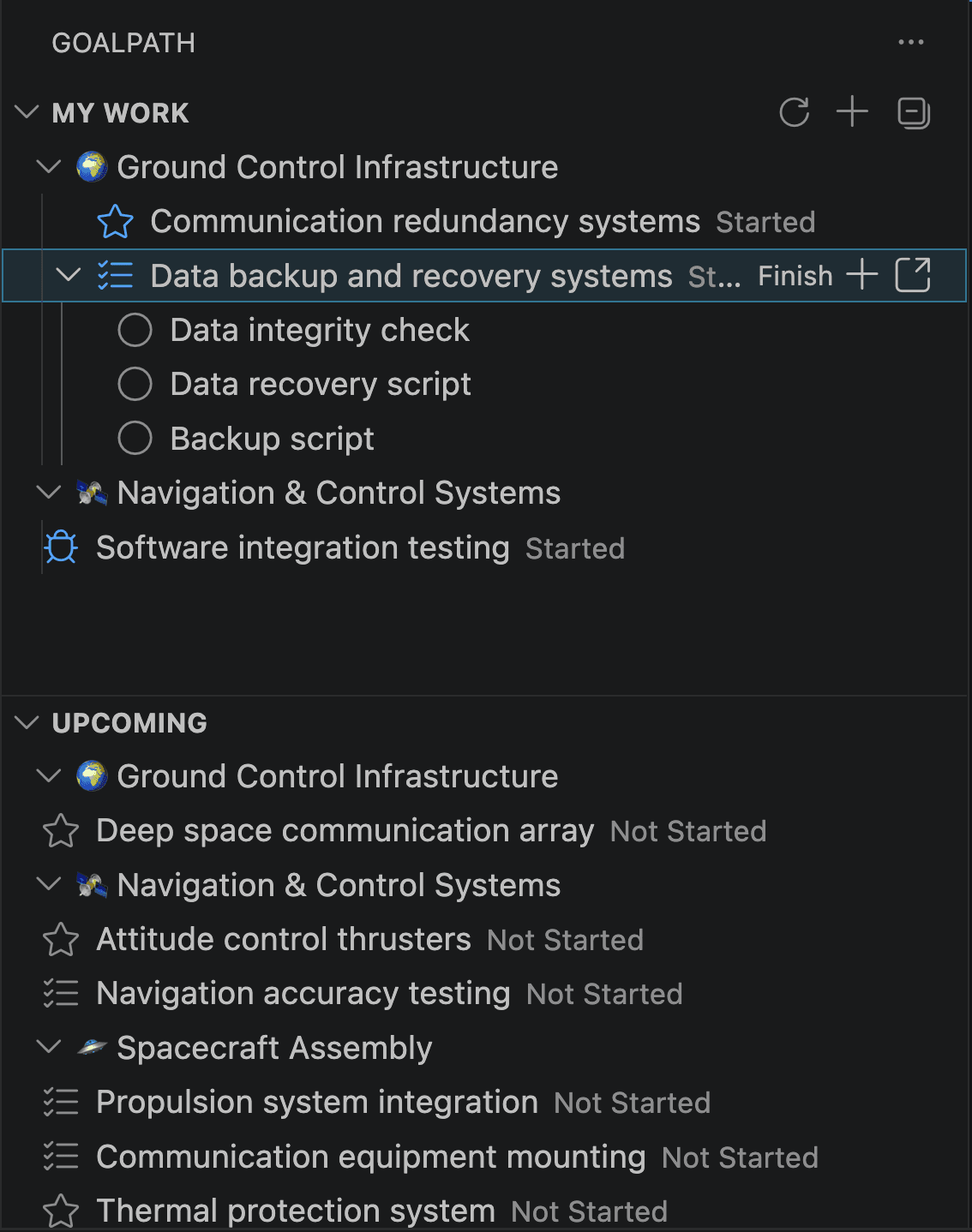
The tab you keep forgetting to check
If you have worked with any project management tool, you know the pattern. You open the board in the morning, scan your items, close the tab, start coding. Three hours later someone asks "did you start that item?" and you realize you forgot to move it.
The board is in one window. Your code is in another. And the gap between them is where status updates go to die.
This is not a discipline problem. It's a proximity problem. The further your task list is from where you actually do the work, the less likely you are to keep it updated. And when items don't get updated, the forecasts drift, the progress reports are stale, and your team lead starts asking in Slack instead of checking the board.
So we put it in the sidebar
The GoalPath VS Code extension adds your assigned items directly to the editor sidebar. Not a webview, not an embedded browser. A native VS Code tree view that loads fast and stays in sync.
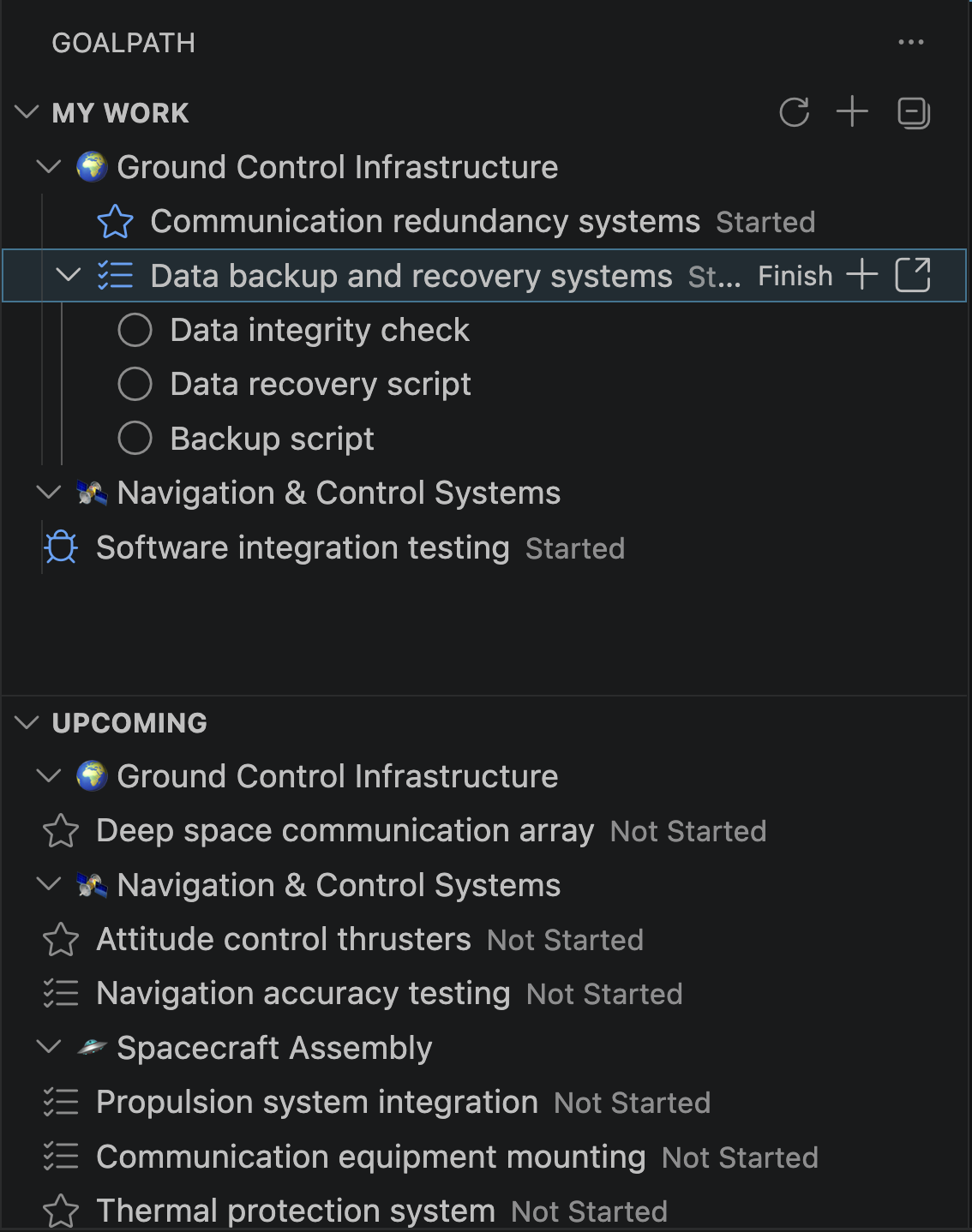
Two sections. My Work shows what's assigned to you, grouped by milestone. Upcoming shows what's available to pick up next from your active milestones.
Each item shows its current status. Items with subtasks expand to show them as checkboxes. Click to toggle, and the progress updates for your whole team in real time.
One click to progress
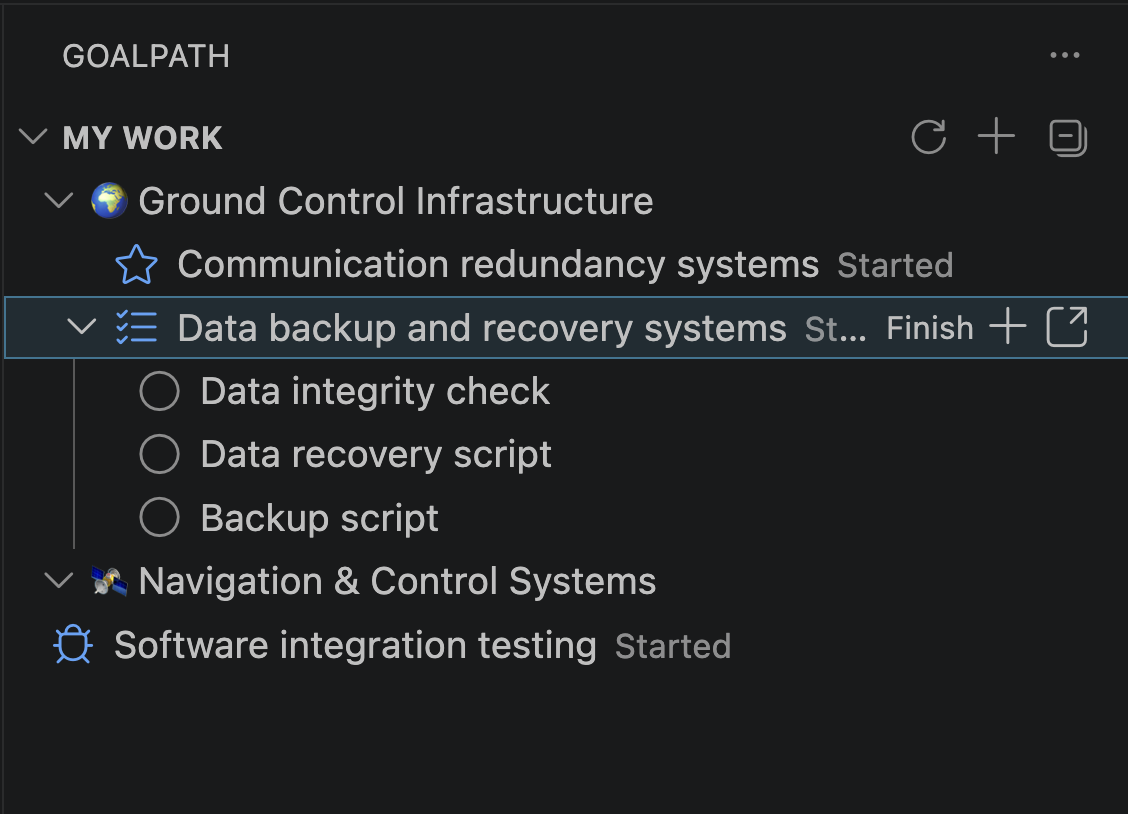
Hover an item and you see the next action. "Start" when you pick it up. "Finish" when the code is done. "Deliver" when it's ready for review.
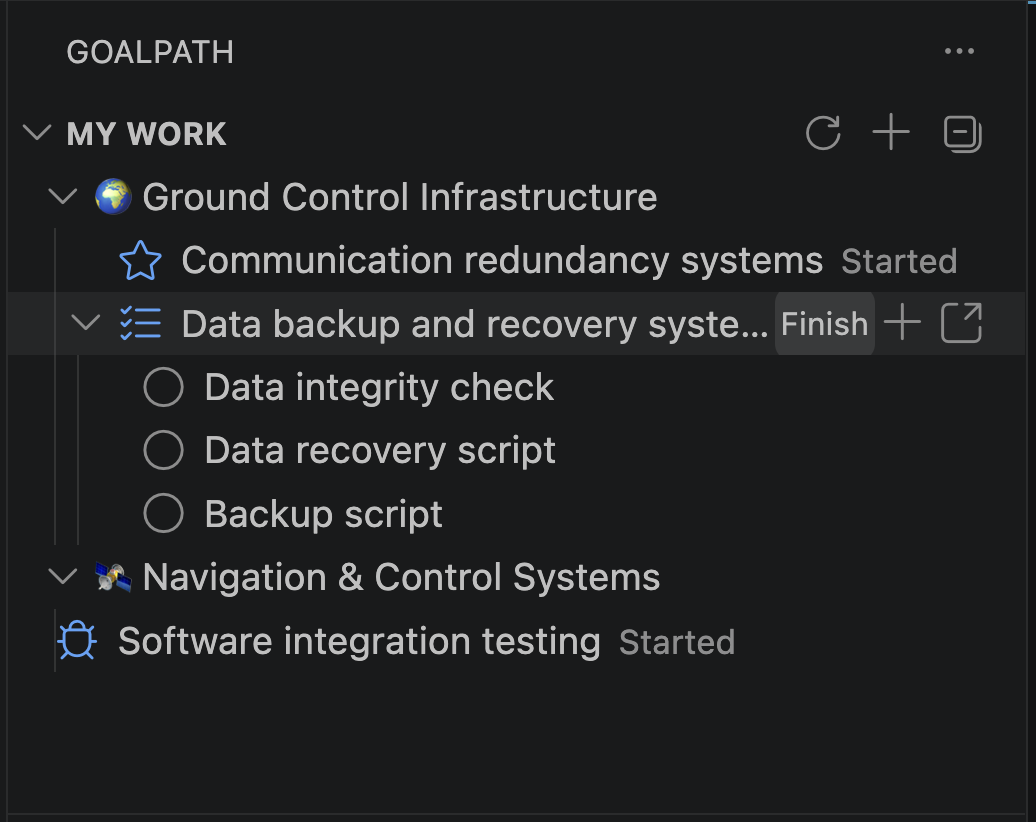
This is where it makes a difference for your team. Because when status updates happen at the moment the work happens, the data in GoalPath is always fresh. Forecasts stay accurate. Progress reports reflect reality. Nobody needs to ask "where are we?" because the answer is already there.
For delivered items, you get Accept and Reject buttons instead. Rejecting prompts for a reason, which gets posted as a comment so the developer has context without a separate conversation.
Blockers get reported when they happen
Right-click any item to flag it as Blocked, Question, or Discussion. Type a quick explanation. Your team lead sees it in GoalPath immediately.
This matters because of timing. If flagging a blocker means opening a browser, finding the item, and writing a comment, most developers just keep pushing and mention it at the next standup. By then half a day is gone. When flagging is two clicks away in your editor, blockers surface hours earlier.
Everything from the keyboard
The command palette (Cmd+Shift+P) has all the GoalPath commands. Sign in, switch projects, add items, refresh. No mouse required.
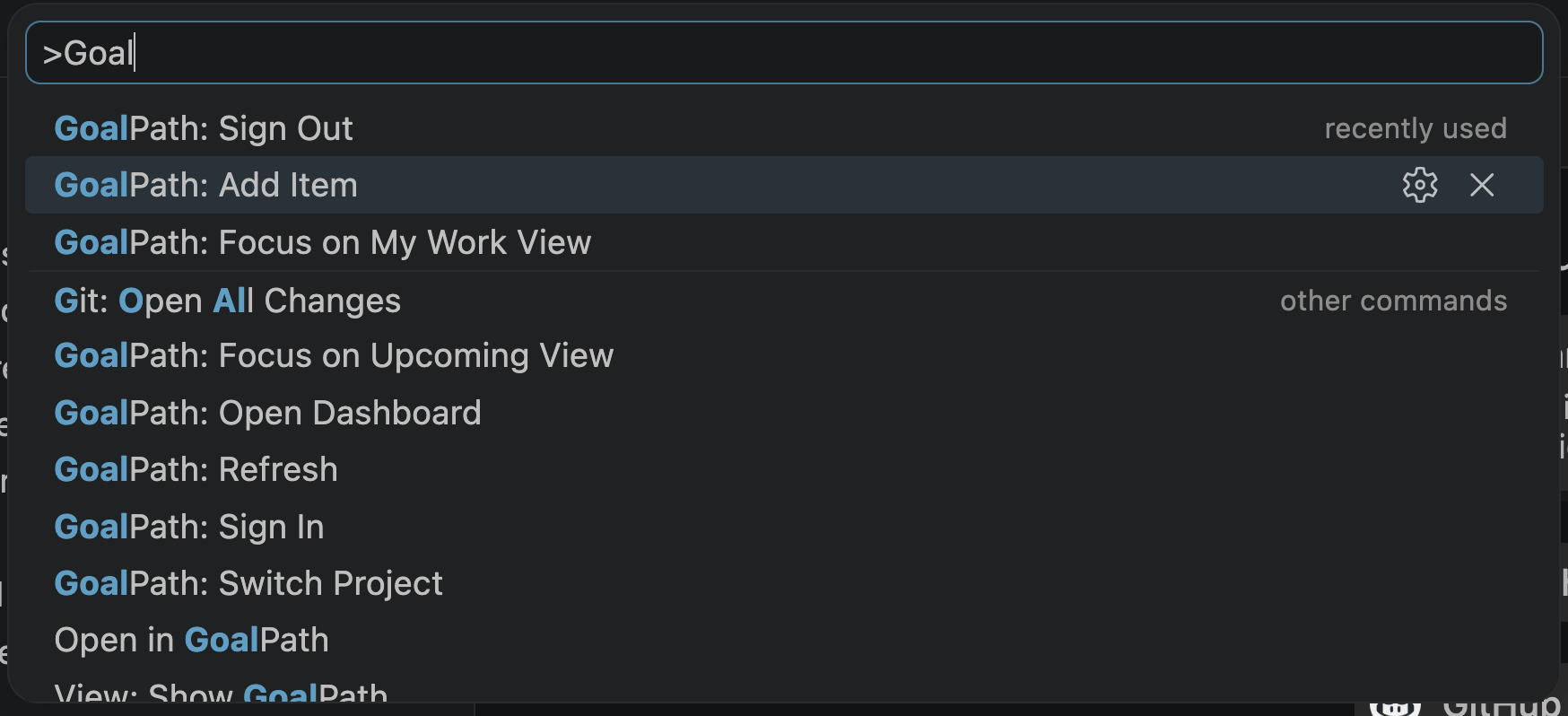
Adding a new item works the same way. Pick the type, write a title, choose a milestone or send it to the inbox. Done in three steps without leaving your editor.
Setup takes 30 seconds
Install from the VS Code Marketplace. Click the GoalPath icon in the Activity Bar. Paste your API key (you can generate one in your profile). Pick your project.
If your repo already has a .goalpath file from the GoalPath CLI or MCP server, the project is selected automatically. Commit that file once and every developer on the team gets the same sidebar with zero configuration.
GoalPath goes where the developer is
This is the third integration we've built that meets developers in their existing tools. The Chrome extension captures bugs from the browser. The MCP server connects AI coding assistants to your backlog. And now the VS Code extension puts your task list in the sidebar.
The pattern is the same in all three: reduce the distance between doing the work and recording the work. When that distance is zero, the data stays fresh. When the data stays fresh, the forecasts are accurate. When the forecasts are accurate, stakeholders stop asking "where are we?" and start making decisions from the dashboard instead.
That is what we mean when we say the process is embedded in the tools you already use.
Install the VS Code extension. Free with any GoalPath plan.
Ready to plan your roadmap with data?
Create an account on GoalPath and start tracking velocity, forecasting milestones, and delivering predictably.
Create an Account